Open your photo
Choose a JPG, PNG or WebP. Your browser opens it locally. We never receive your selected image.
100% local · completely free
A little brighter. A little sharper. Still your photo.
Improve light, color and detail, right on your device.
No uploads · No login or sign-up · No payment
No uploads. No login.
No registration, payment or watermark.
Just a photo worth keeping.
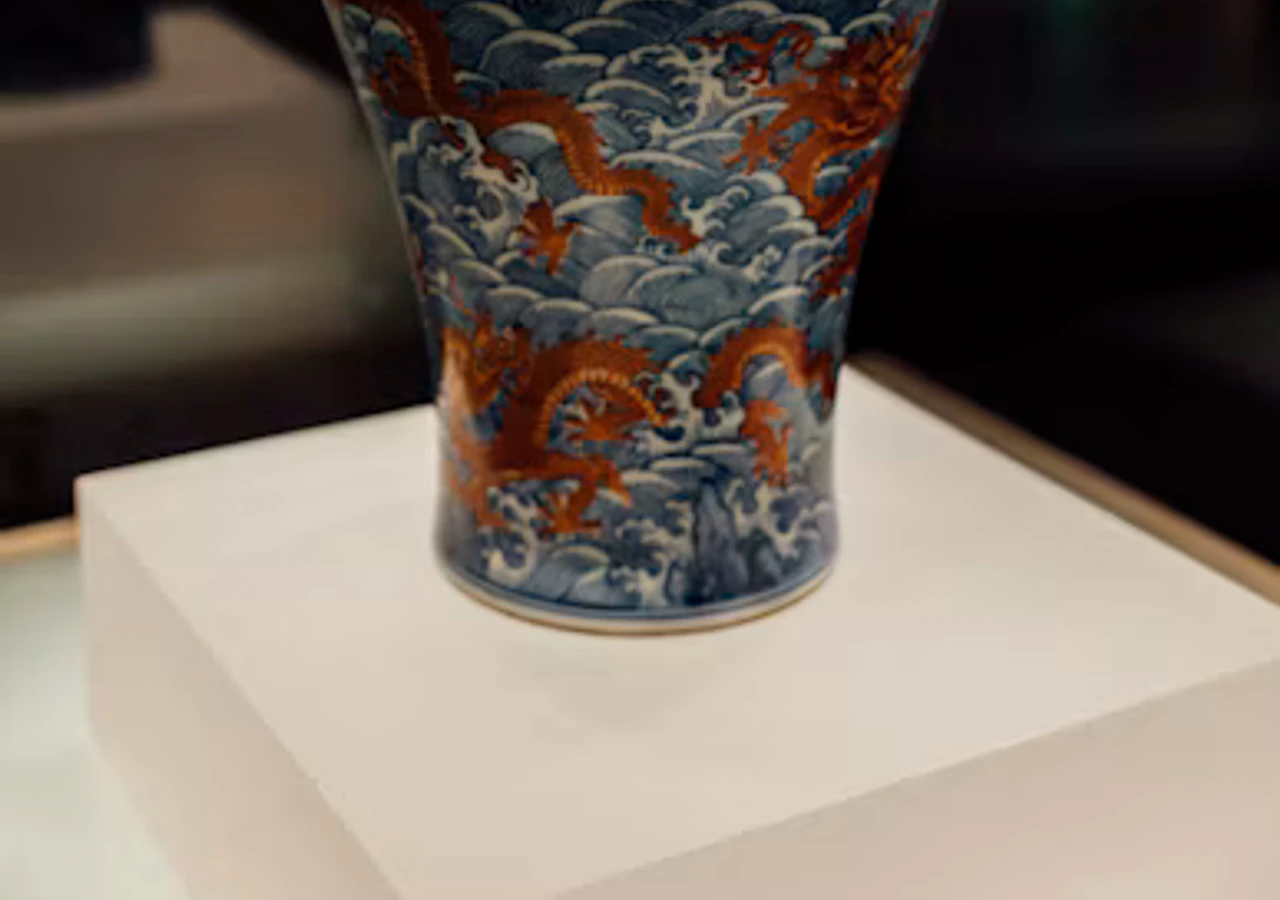
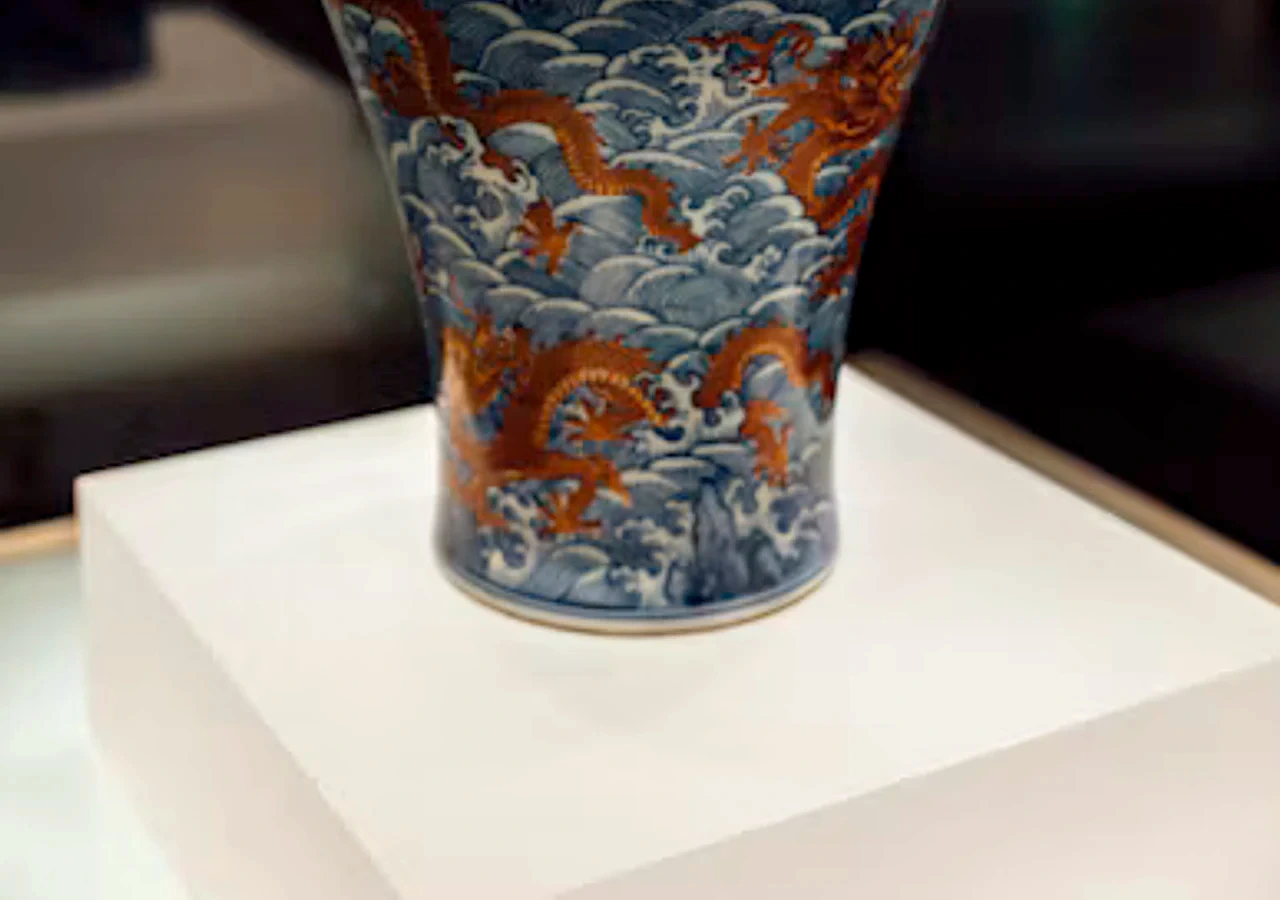
A real result from this tool.
Small adjustments. A better picture.
Fix a dark snapshot, soften a color cast or bring a little definition to a flat image. Keep control of the result, without handing over your photo.
Choose a JPG, PNG or WebP. Your browser opens it locally. We never receive your selected image.
Start with Natural, Brighter or Crisp. Fine-tune exposure, shadows, color and sharpness. Reset any time.
Drag directly on the image to compare. Download PNG, JPG or WebP at your working image dimensions.
A useful little set of tools
Lift exposure and shadows, then control contrast. Bright areas need care: detail that was clipped in the original cannot be recovered.
Try the Brighter preset ↗Balance cool and warm tones, dial color up or down, and keep the look natural. Automatic correction stays deliberately gentle.
Adjust your photo ↗Control edge contrast with strength and radius. Inspect details at 1:1 preview scale. Sharpening cannot reverse severe blur.
Try the Crisp preset ↗Enhance or enlarge?
This photo enhancer adjusts the pixels you already have. It uses deterministic image processing, with no AI restoration model in this version.
Need a larger picture instead? Upscale an image 2x or 4x with Upscaler.im ↗
A lighter image, not a bigger canvas.
Private, from open to export
Decoding, adjustments, comparison and export happen in your browser. We send the processing files to you; you do not send your photos to us. No login, email address or payment is required.
Website files use normal network connections. Our hosting provider may keep standard security and request logs. This version has no analytics scripts or advertising cookies. Image data, filenames and edits are not sent to us. Nothing is saved in an online gallery.
Before you make it brighter
Free to try. Clear about the limits.
Yes. Enhance and download images without payment, credits, login or registration. There is no watermark.
No. Decoding, adjustments, comparison and export happen inside your browser. We deliver website and processing files to your device; your selected photos are not sent to a processing server.
Enhancement adjusts light, color, contrast and sharpness at the same working dimensions. Upscaling increases width and height. Use Upscaler.im if your main goal is to make a small image 2x or 4x larger.
This version uses deterministic image-processing algorithms. Sharpening improves edge contrast; it does not reverse severe blur or reconstruct faces, text or missing detail. No AI restoration model is included.
Use JPG, PNG or WebP up to 25 MB. The working image is limited to 8 megapixels and 8,192 pixels per side. Larger supported images require your approval for a smaller working copy. Your original file stays unchanged. Images over 40 megapixels or 16,384 pixels per side are rejected before decoding.
Yes, exports keep the working image dimensions. If you approved a smaller working copy, those dimensions apply. The preview can be smaller for speed; export reruns your settings on the full working image.
Download PNG, JPG or WebP. PNG and WebP preserve transparency; JPG fills transparent areas with white. Animation, original metadata and embedded color profiles are not retained. Browser decoding can normalize orientation and color.
Your browser downloads a small local processing module on first use and the selected encoder on first download. Previews use fewer pixels than export. Speed depends on your device and image size. Cancel a slow operation or try a smaller copy.
No uploads. No registration. No payment.
Inspect faces, text, logos and fine textures before using an edited image. Original details cannot always be recovered. Keep your unmodified original, especially when accuracy matters. Use images you have permission to edit. The service is provided as available without a quality or processing-time guarantee.
Enhancer.im uses an original Rust image-adjustment core compiled to WebAssembly. PNG encoding uses the Rust PNG codec, JPG uses MozJPEG, and WebP uses libwebp through jSquash. Frontend: React, TanStack Router and Vite. The vase detail sample is a cropped photo by LISK OBE on Unsplash, used under the Unsplash License. Its enhanced version is a real result of this tool. The portrait illustration was AI-generated. Third-party licenses.